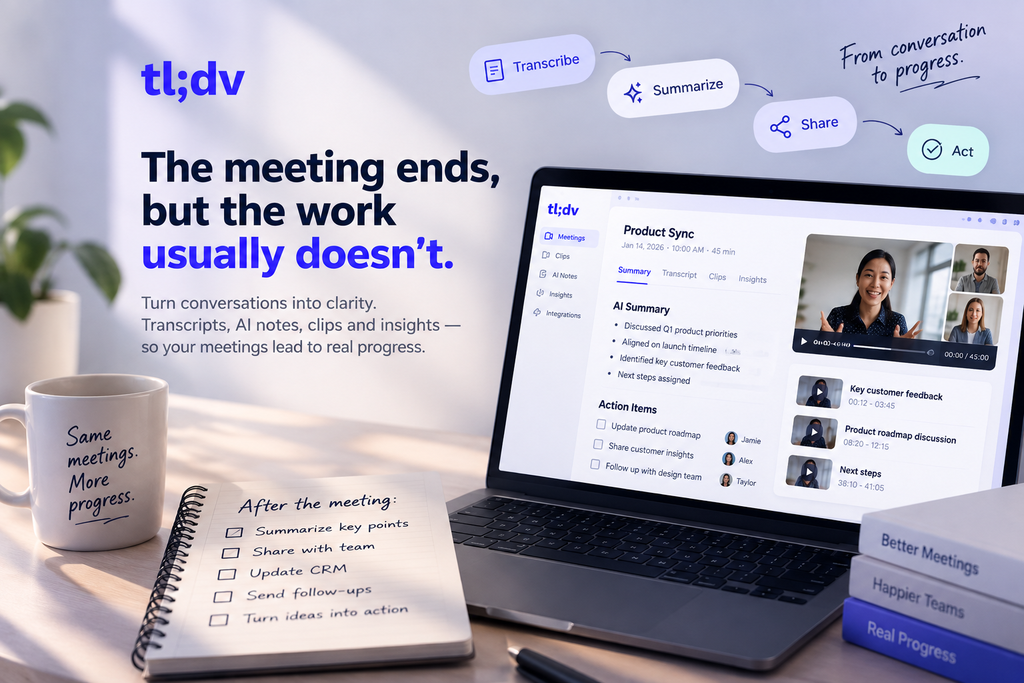
The meeting ends, but the work usually doesn’t.
Someone still has to remember what was decided, turn scattered notes into action items, send follow-ups, update the CRM, and find that one important moment buried somewhere inside a 45-minute conversation.
That gap between “the meeting is over” and “the useful work is done” is where tl;dv becomes interesting.
Rather than treating meetings as recordings that simply sit in a folder, tl;dv turns conversations into searchable transcripts, AI notes, clips, summaries, and workflow data. It supports Google Meet, Zoom, and Microsoft Teams, while its integrations connect meeting information with thousands of other tools.
The real question, then, isn’t whether tl;dv can record a meeting.
It can.
The more interesting question is what you can actually do with that meeting afterward.
A Meeting Is More Than a Recording
Recording a meeting is easy. Making the recording useful later is harder.
A raw video can contain valuable customer feedback, product ideas, objections from a prospect, decisions from a team discussion, or details that someone needs three weeks later. But finding those details manually means watching or searching through the entire conversation.
tl;dv approaches this differently.
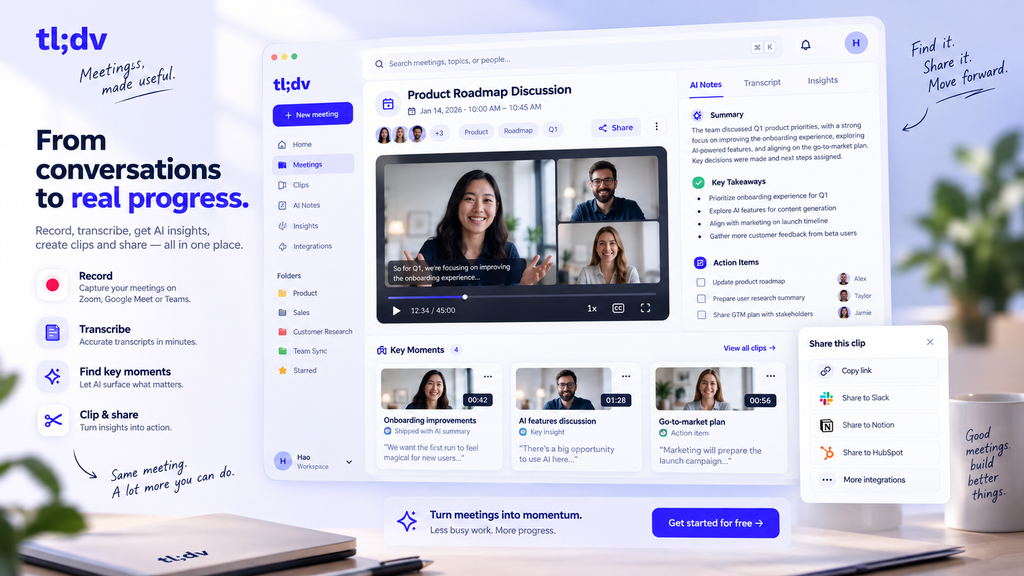
Its recordings come with transcripts and timestamps, allowing users to search for specific moments instead of replaying an entire call. You can also create clips from longer recordings and share only the section that matters.
That makes the meeting library more useful as it grows.
Instead of:
“I think we talked about this during last Tuesday’s call.”
You can move toward:
“Here is the exact moment where we discussed it.”
That sounds like a small difference, but for teams handling dozens of conversations every week, it can save a surprising amount of time.
From Conversation to Usable Information
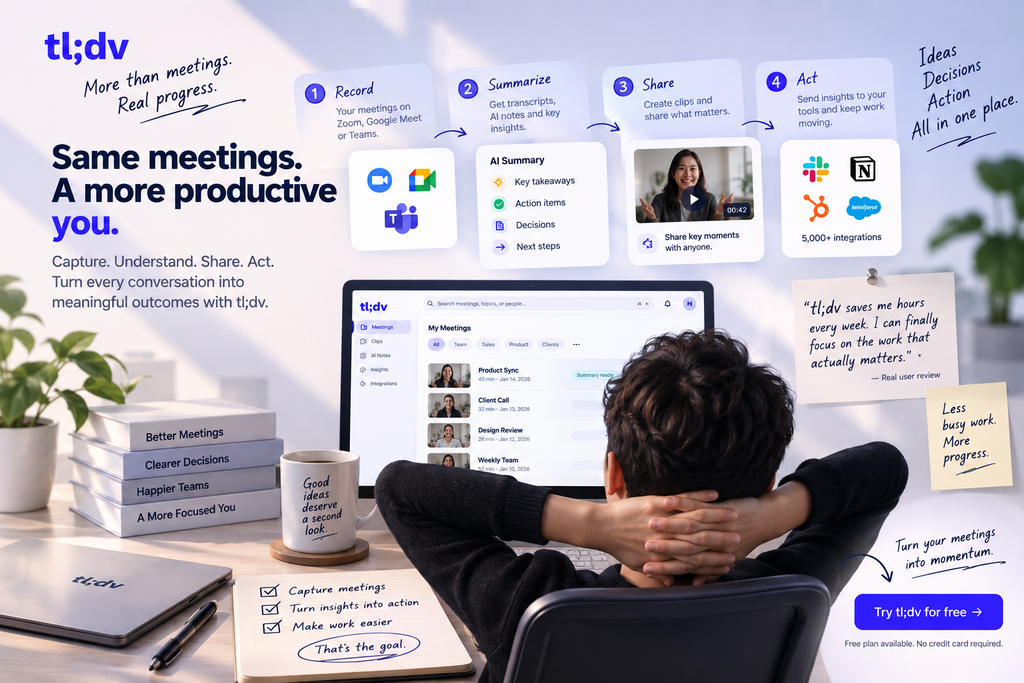
tl;dv’s core workflow can be thought of as a chain:
Record → Transcribe → Understand → Share → Act
The first two steps are straightforward. tl;dv records supported meetings and produces transcripts across a wide range of languages. The platform then adds AI-generated notes and summaries to make those conversations easier to digest.
But the more interesting layer comes afterward.
You can search meeting content, create clips, generate useful summaries, and connect the information with other applications. For teams, that means meeting data doesn’t necessarily have to remain trapped inside the meeting platform.
This is particularly useful when meetings are part of a larger workflow.
For example:
Sales call → transcript → key objections → CRM
Customer interview → transcript → product insights → research workflow
Team meeting → summary → action items → project management
The meeting becomes an input rather than the final destination.
The Feature Worth Paying Attention To: Clips
One of tl;dv’s more practical features is also one of the easiest to overlook.
You don’t always need to share an entire meeting.
Maybe a client said something important during a two-hour call. Maybe a product manager explained a decision that another team needs to understand. Or perhaps an investor only needs to see a specific part of a conversation.
Instead of sending the whole recording, tl;dv lets users trim a specific moment and share it as a clip.
This changes how meeting recordings can be used.
A recording is useful for reference.
A clip is useful for communication.
That distinction makes the feature more valuable than simply having another place to store video files.
When One Meeting Isn’t Enough
A single meeting can tell you what happened once.
But teams often need to understand what is happening across many meetings.
This is where tl;dv moves beyond the traditional AI note-taker model.
Its higher-tier functionality includes Multi-Meeting AI Insights, allowing teams to extract patterns and insights across conversations rather than treating every meeting as an isolated event. The platform also promotes AI-powered sales coaching, playbooks, and reporting for teams that need more structured analysis.
Imagine a sales manager reviewing conversations from several representatives.
Instead of manually opening every recording, the goal becomes identifying recurring patterns:
- Which objections keep appearing?
- What questions are prospects asking?
- Which topics repeatedly cause friction?
- Are sales representatives following the expected process?
- What themes are appearing across multiple customer conversations?
That’s a much bigger use case than simply generating meeting minutes.
It also explains why tl;dv is increasingly positioned as a meeting intelligence platform, rather than just an AI note-taking app.
The Bot Problem — And tl;dv’s Alternative
AI meeting assistants have one obvious problem:
Sometimes you don’t want another participant sitting inside your meeting.
Depending on the platform and meeting setup, a recording bot may need to join the call, be admitted, or appear as another participant.
tl;dv offers another approach through its desktop application.
Its desktop app can capture system audio on Windows and Mac, allowing users to record supported meetings without relying on a bot joining the call. tl;dv specifically supports bot-free recording workflows for Google Meet, Zoom, and Microsoft Teams.
That can matter when:
- A meeting host doesn’t want recording bots joining.
- A company has restrictions around third-party participants.
- You simply want a less intrusive recording workflow.
- Bot-based recording isn’t behaving as expected.
It’s not necessarily a replacement for every bot-based workflow, but having both approaches gives tl;dv more flexibility than its basic “AI note-taker” description suggests.
Where tl;dv Becomes More Useful for Teams
The real value of meeting intelligence appears when information needs to move somewhere else.
tl;dv currently advertises integrations with 5,000+ tools, with its website showing connections across CRM, productivity, communication, recruiting, and other workflows.
Examples include workflows connecting meeting information with platforms such as HubSpot, Salesforce, Zoho, and Greenhouse.
This matters because teams rarely have meetings for the sake of having meetings.
A sales call exists because there may be a deal.
A customer interview exists because someone needs to learn something.
A recruiting interview exists because someone needs to make a hiring decision.
A product meeting exists because something needs to change.
The more effectively meeting information reaches the next step, the more useful the recording becomes.
What About the Free Plan?
This is where the headline “Free Forever” deserves some context.
tl;dv’s Free plan is genuinely substantial, but “free” doesn’t mean every AI feature is unlimited.
According to tl;dv’s own help documentation, Free includes unlimited recordings, transcripts, and manually timestamped notes. However, recordings are retained for three months, automatic AI notes are limited after the first 10 meetings, AI prompts are limited, and there are restrictions on clips, uploads, integrations, and simultaneous recordings.
That’s an important distinction.
Unlimited recording ≠ unlimited AI processing.
For someone who mainly wants to record and transcribe meetings, the Free plan can be useful for a long time.
For someone who wants to build a workflow around AI-generated notes, CRM automation, global search, and deeper meeting intelligence, the limitations become much more noticeable.
tl;dv Pricing
Current pricing varies depending on billing frequency and plan, so it’s worth checking the live pricing page before subscribing.
| Plan | Price | What It Adds |
|---|---|---|
| Free | $0 | Unlimited recordings/transcripts with limits on AI, storage and workflow features |
| Pro | From $18/user/month when billed annually | More AI functionality, custom note templates, global search, follow-up drafting, integrations and API/webhooks |
| Business | Around $29/user/month when billed annually | Multi-meeting insights, sales coaching, playbooks, reports and additional team capabilities |
| Enterprise | Custom | Advanced organizational requirements and enterprise controls |
Independent pricing references updated in 2026 also list Pro at €18/seat/month and Business at €29/seat/month on annual billing, while tl;dv’s own recent review confirms Pro at $18 per seat/month when billed annually and $29 monthly. Because pricing and regional currency displays can change, the official pricing page should be treated as the final reference before purchase.
Who Will Actually Get Value From tl;dv?
tl;dv makes the most sense when meetings are a significant source of information.
Sales Teams
Sales representatives can use recordings, transcripts, clips, follow-up assistance, and CRM integrations to reduce the amount of manual work surrounding customer calls.
Higher plans go further into sales coaching and playbook monitoring.
Product and Research Teams
Customer interviews often contain valuable information that doesn’t make it into a formal report.
Searchable transcripts and meeting clips make it easier to return to the original conversation instead of relying entirely on someone’s interpretation.
Remote Teams
When important decisions happen across multiple video calls, having a searchable record can reduce the “what did we decide?” problem.
Agencies and Consultants
Client meetings can produce large amounts of information. Being able to quickly find, summarize, and share specific moments can make those conversations easier to turn into deliverables.
Individuals
Solo users can still benefit from tl;dv, particularly if they regularly attend interviews, research calls, consultations, or online meetings.
But casual users may not need the higher-tier AI and automation features.
Where tl;dv Falls Short
tl;dv isn’t automatically the right choice for everyone.
The first limitation is that its most advanced value is tied to the broader workflow around meetings. If you only attend a few calls each month and rarely need to revisit them, many of its advanced features may be unnecessary.
The Free plan also requires attention to its limits. Recordings have a three-month storage period, while AI functionality and other features have lifetime or plan-specific restrictions.
There is also a practical difference between having a transcript and having a reliable understanding of a conversation.
AI-generated notes can save time, but important decisions should still be checked against the original recording when accuracy matters. A summary is a shortcut to the conversation, not necessarily a replacement for it.
Final Take
tl;dv is easy to describe as an AI meeting note-taker.
That description isn’t wrong.
It’s just no longer enough.
The more interesting part of tl;dv is what happens after the meeting: searching through conversations, extracting useful information, sharing specific moments, identifying patterns across multiple calls, and moving meeting data into the tools where the actual work continues.
Its Free plan also gives users a relatively accessible way to test the core recording and transcription experience, although the AI, storage, and workflow limits become important as usage increases.
For occasional meeting recording, tl;dv may simply be a convenient AI recorder.
For teams whose work depends heavily on conversations, it can become something more interesting: a layer between meetings and everything that happens because of them.
And that may be the better way to judge tl;dv—not by how well it records a meeting, but by how much useful work remains after the meeting ends.
Want to see what tl;dv can do for your meetings?