Most ideas start as text, but text is not always the easiest way to explain something.
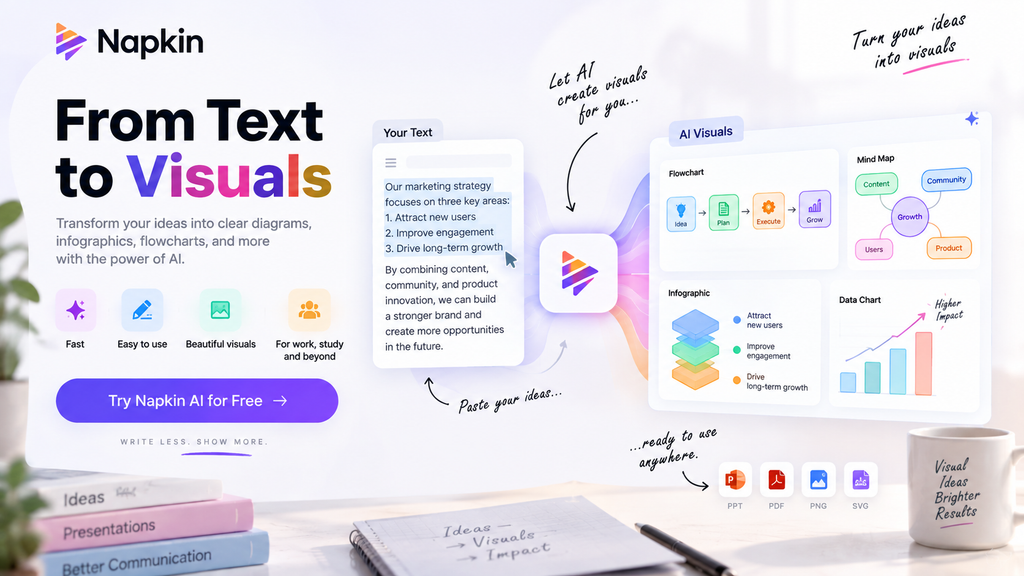
Napkin AI takes your notes, documents, or ideas and turns them into visual content such as diagrams, flowcharts, mind maps, infographics, and charts. Instead of building every element manually, you start with your content and let Napkin suggest visual ways to communicate it.
What Is Napkin AI?
Napkin AI is a visual communication platform designed to turn written ideas into understandable visuals.
You can write directly in Napkin, paste existing content, or import files such as PPT, DOC, PDF, HTML, and Markdown. From there, Napkin analyzes the content and generates visual options you can choose and customize.
The main idea is simple:
Write → Generate → Customize → Export
What Can Napkin AI Create?
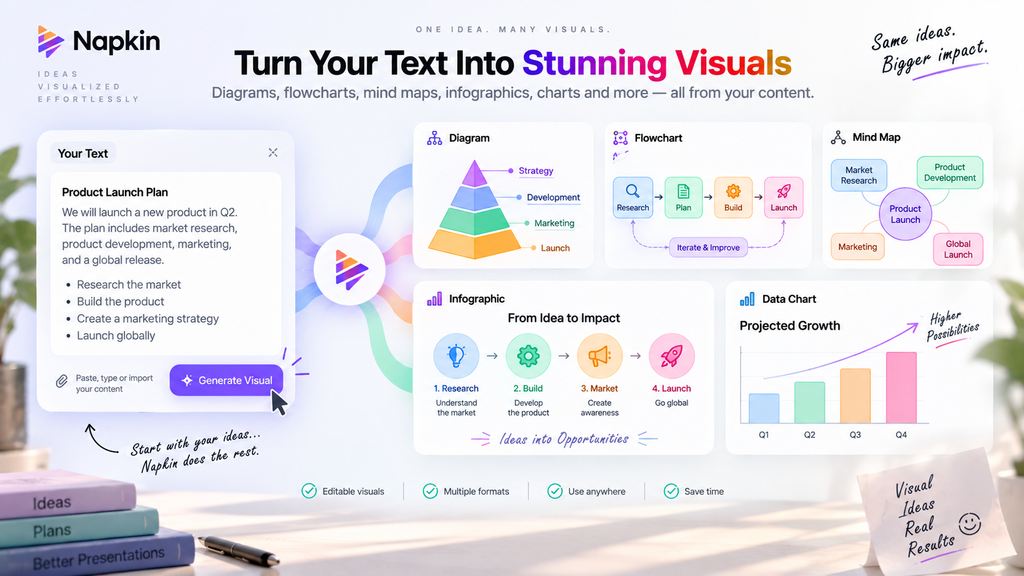
Napkin supports several types of visuals, including:
- Diagrams for explaining concepts and relationships
- Flowcharts for processes and workflows
- Mind maps for organizing ideas
- Infographics for presenting information visually
- Charts for communicating data
The useful part is that these visuals remain editable, so you can change layouts, icons, colors, fonts, and other elements after generation.
How Does Napkin AI Work?
The process is straightforward.
Paste or write your content, select the section you want to visualize, and choose Generate Visual. Napkin then provides several visual options and styles.
You can select the version you like and continue editing it inside the document.
This makes Napkin especially useful when you already have the information but need a better way to present it.
Napkin Slides
Napkin also includes Napkin Slides, which turns ideas, notes, or uploaded files into complete presentations.
Instead of simply generating a generic deck, Napkin asks about your goal and audience before building the presentation. You can then edit the slides, change layouts, adjust branding, and export the finished deck.
Napkin Slides is currently available across the Free, Plus, and Pro plans, under the same subscription as Napkin Visuals.
Export and Customization
Napkin gives you control after the AI finishes generating the visual.
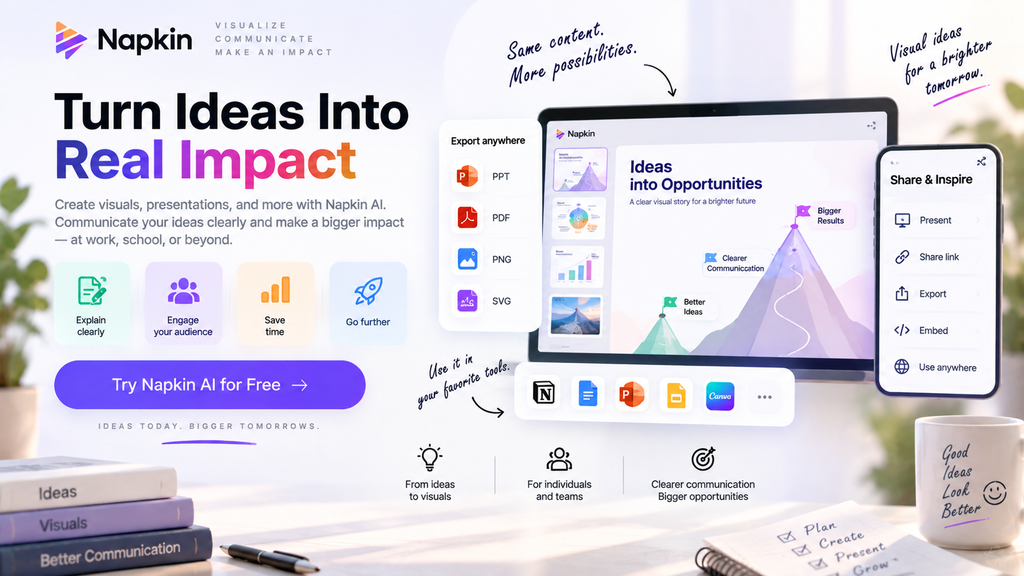
Depending on your plan, you can export visuals as PNG, PDF, PPT, or SVG. You can also change layouts, icons, colors, fonts, and branding.
Paid plans add more customization options, including custom brand styles and fonts.
This makes Napkin useful for presentations, reports, documents, websites, social media, and other content where visual communication matters.
Napkin AI Pricing
Napkin currently offers three main plans:
| Plan | Price | AI Credits |
|---|---|---|
| Free | $0 | 500/week |
| Plus | $9/person/month | 10,000/month |
| Pro | $22/person/month | 30,000/month |
The Free plan includes unlimited visual editing, file imports, and PNG/PDF exports, but generated visuals include Napkin branding.
Plus removes the branding and adds PPT/SVG export, brand styles, and more credits. Pro adds more credits, exclusive designs, unlimited custom branding, and font uploads. Annual billing currently offers a 25% saving.
Who Is Napkin AI For?
Napkin can be useful for:
- Students and educators
- Content creators
- Marketers
- Business professionals
- Consultants
- Presenters
- Teams creating reports and presentations
It is particularly useful when the challenge is not creating information, but explaining information clearly.
Limitations
Napkin is focused on visual communication, so it is not a replacement for a general-purpose AI chatbot.
The Free plan also has limited AI credits and includes Napkin branding. More advanced exports and branding controls require a paid plan.
The quality of the final visual can also depend on how clearly the original content is structured.
Final Thoughts
Napkin AI takes a simple idea and makes it easier to see.
Its biggest advantage is the workflow: instead of starting with a blank canvas, you start with the information you already have and let AI suggest ways to visualize it.
With editable visuals, presentation generation, multiple export formats, and support for custom branding, Napkin is a useful option for anyone who regularly turns ideas into presentations, reports, diagrams, or visual content.
FAQ
Is Napkin AI free?
Yes. Napkin has a Free plan with 500 AI credits per week.
What can Napkin AI create?
It can generate diagrams, flowcharts, mind maps, infographics, charts, and other visual formats from text.
Can Napkin AI create presentations?
Yes. Napkin Slides can turn ideas or uploaded content into editable presentation decks.
Can I export Napkin visuals?
Yes. PNG and PDF exports are available on the Free plan, while paid plans provide expanded PPT and SVG export capabilities.