Manus AI Review: Features, Pricing, Use Cases, and What It Can Do
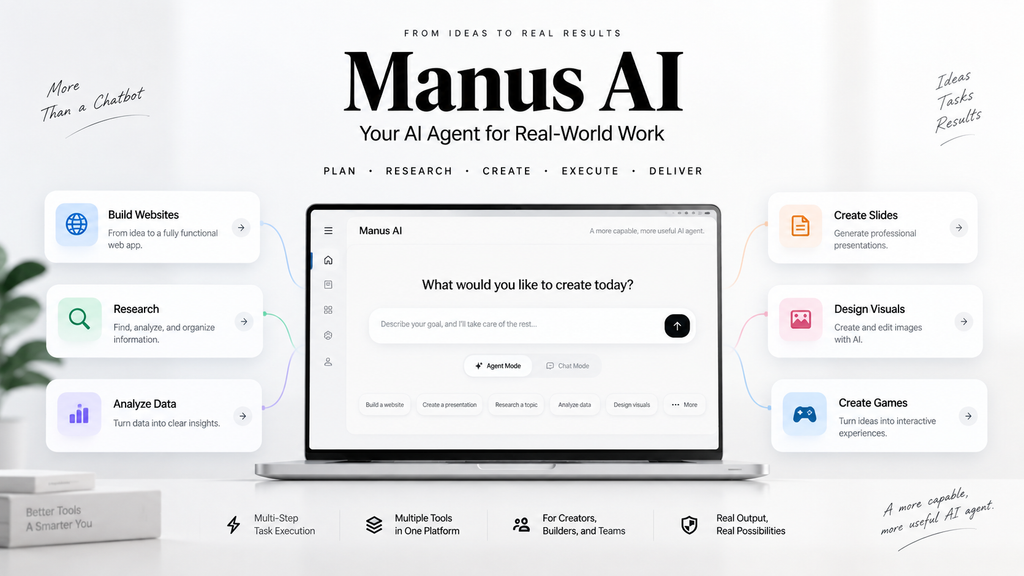
AI tools are moving beyond simple chatbots. Instead of only answering questions or generating text, a new generation of AI systems can plan tasks, use different tools, write code, analyze information, and produce finished outputs.
Manus AI is one of the platforms built around this AI-agent approach.
Rather than treating AI as a chatbot that waits for instructions at every step, Manus is designed to take a broader goal, break it into multiple tasks, and work toward completing the requested result.
But what can Manus actually do? How does it compare with a traditional AI chatbot? How does its credit system work? And who can benefit from using it?
This guide takes a closer look at Manus AI, its main features, pricing structure, strengths, limitations, and practical use cases.
What Is Manus AI?
Manus AI is an AI agent platform designed to handle multi-step tasks with a higher level of autonomy than a conventional chatbot.
Users can give Manus an objective using natural language, and the platform can plan and execute the necessary steps to produce an output.
Depending on the task, Manus can work with information, files, websites, code, data, and other integrated tools.
The platform currently supports several types of AI-powered workflows, including research, website development, slide creation, design, and other complex tasks.
One important distinction is between Chat Mode and Agent Mode.
Chat Mode
Chat Mode is designed for conversations, questions, brainstorming, and discussions. Manus says Chat Mode does not consume credits. It can also work with images, PDFs, and text files and can perform online searches.
Agent Mode
Agent Mode is designed for more complex tasks.
Instead of simply responding to a prompt, Manus can autonomously plan and execute multiple steps. Website creation, slide generation, research, and other complex workflows can be handled through Agent Mode. These tasks consume credits because the system performs active processing and uses additional resources.
What Can Manus AI Do?
Manus is not limited to one specific type of AI task. Its main appeal is the ability to combine different capabilities into a single workflow.
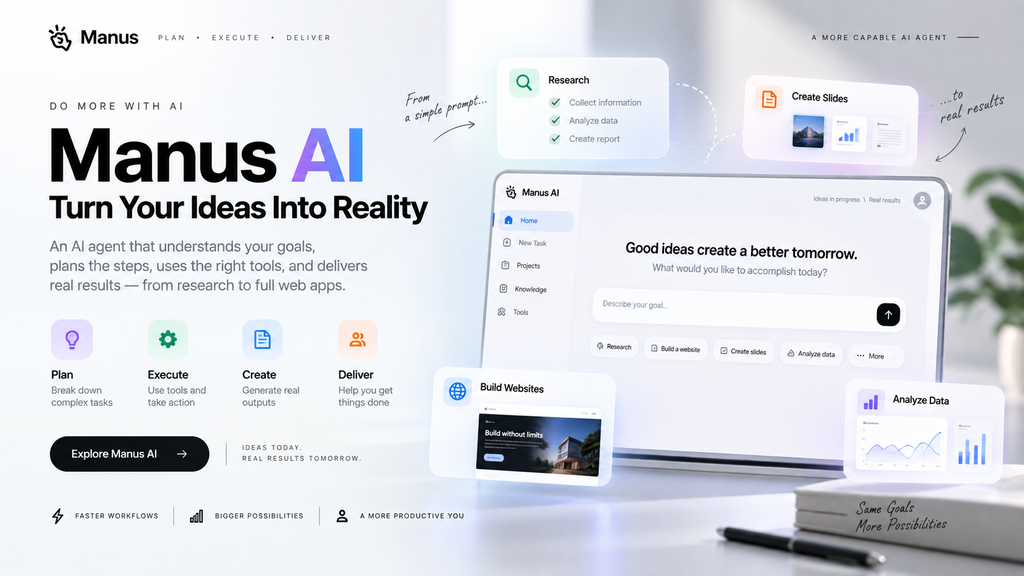
1. Research and Information Analysis
Manus can be used for research tasks that involve collecting information, analyzing material, and organizing the results.
For example, a user could ask Manus to research a particular topic, compare several options, organize the findings, and produce a structured report.
This type of workflow can be useful when a task involves several stages rather than a single question.
2. Build Websites and Web Apps
Website and web application development is one of Manus’s most prominent features.
Manus describes its WebDev platform as a conversational full-stack development environment. Users can describe what they want in plain English, and Manus can generate the frontend, backend, database, authentication, and other components required by the application.
It can be used for projects such as:
- Landing pages
- SaaS dashboards
- Internal tools
- E-commerce websites
- Membership platforms
- Web applications with user accounts
- Applications connected to databases
Manus also supports integrations such as Stripe, image generation, maps, notifications, file storage, and other services.
For people who have an idea for a web application but do not want to start by writing every component manually, this can significantly simplify the initial development process.
3. Create Presentations
Manus can also generate presentation materials.
Instead of manually creating every slide, users can provide a topic and describe the intended result. Manus can then organize the information into a presentation structure.
This can be useful for:
- Business presentations
- Research summaries
- Project proposals
- Educational materials
- Reports
4. Design and Visual Content
Manus also provides AI-powered design capabilities.
The platform includes tools for working with images and visual content, allowing users to incorporate visual generation and editing into broader AI workflows.
This makes Manus more than a text-generation tool because different types of output can be produced within the same environment.
5. Multi-Step Automation
The biggest difference between an AI agent and a conventional chatbot is often the ability to perform a sequence of actions.
A simplified workflow might look like this:
Understand the request → Plan the task → Research → Process information → Create the output → Check the result
Instead of manually controlling every step, the user can give Manus a broader objective and allow the agent to handle the workflow.
How Does Manus AI Work?
The easiest way to understand Manus is to think of it as an AI system that focuses on task execution, rather than only conversation.
A typical Agent workflow can involve several stages:
- Understand the user’s objective.
- Break the objective into smaller tasks.
- Determine which tools are required.
- Execute the individual steps.
- Process the results.
- Continue with additional steps when necessary.
- Deliver the final output.
This approach is particularly useful for tasks that would normally require switching between several tools.
However, greater autonomy also means that users should review important results rather than assuming every output is automatically correct.
Manus AI for Website Development
One of the most interesting applications of Manus is web development.
Traditional website builders often rely heavily on templates and drag-and-drop interfaces. Manus takes a different approach by allowing users to describe the application they want through conversation.
For example, instead of manually configuring every component, a user could describe a project like:
“Build a responsive SaaS dashboard with user authentication, a database, an analytics page, and a subscription system.”
Manus can then use the request as the starting point for generating the application.
According to Manus, its WebDev system can generate production-oriented code, configure databases and authentication, integrate services such as Stripe, and provide built-in analytics and lead collection.
Another important feature is code ownership and export.
Manus states that users can export their entire codebase, connect a custom domain, and continue modifying the application outside the platform.
That makes Manus different from some website builders where users are more tightly tied to the platform.
Manus AI Pricing and Plans
Manus currently offers Free, Pro, and Team plans.
Free Plan
The Free plan costs $0 per month.
According to Manus, Free users have access to Chat Mode and Manus 1.6 Lite in Agent Mode.
The plan currently includes daily refreshed credits and supports one concurrent task.
New users can also receive initial free credits when signing up, according to Manus’s credit information.
Pro Plan
The Pro plan currently starts at $20 per month and includes access to Manus 1.6, Manus 1.6 Max, and Manus 1.6 Lite in Agent Mode.
The entry Pro plan provides at least 4,000 monthly credits, while higher Pro options provide additional credits.
Pro users also receive access to features such as advanced research, professional website deployment, slide generation, and higher task concurrency.
Because AI products frequently change their pricing and plan structures, users should check the official Manus pricing page before subscribing.
How Does the Manus Credit System Work?
Credits are an important part of understanding Manus.
Credits are not simply charged based on the number of messages sent.
According to Manus, credit consumption depends primarily on factors such as:
- LLM token usage
- Virtual machine usage
- Third-party API usage
- Task complexity
- Task duration
For example, a simple task may consume significantly fewer credits than a long-running web application project.
Manus currently provides examples showing that a standard website task can consume hundreds of credits, while a more complex application involving data integration can consume considerably more.
This means users should consider the complexity of a task before running large Agent workflows.
Manus WebDev Has Separate Usage Costs
There is another detail worth understanding if you use Manus to publish websites.
The cost of building an application and the cost of running a deployed application are treated separately.
Your Manus subscription primarily covers credits used while interacting with the AI to build and create things.
Once an application is deployed, WebDev usage can involve separate usage-based costs for resources such as hosting, databases, AI features, and API integrations.
This distinction is important for anyone planning to use Manus to host a production website.
A prototype and a public application with real users can have very different resource requirements.
Key Advantages of Manus AI
1. Strong Focus on Task Execution
Manus is designed around completing tasks rather than simply generating responses.
This makes it particularly interesting for workflows involving multiple steps.
2. Natural-Language Development
Users can describe the desired application in plain language instead of manually writing every component from scratch.
Manus specifically states that coding experience is not required for its website builder.
3. Full-Stack Web Development
Manus can work with frontend, backend, databases, authentication, and integrations.
This makes it more capable than a simple AI page generator.
4. Multiple AI Workflows in One Platform
Research, presentations, websites, design, and other tasks can be handled within the same ecosystem.
5. Code Export and Custom Domains
The ability to export code and connect a custom domain gives users more control over applications they create.
Limitations to Consider
Manus also has limitations that potential users should understand.
1. Complex Tasks Can Consume Significant Credits
Agent-based workflows require more resources than simple conversations.
Long or complex tasks can therefore consume a substantial number of credits.
2. AI-Generated Results Still Need Review
An AI agent can make incorrect assumptions, misunderstand requirements, or produce an implementation that needs additional refinement.
For important websites, applications, or business workflows, human review remains important.
3. Good Prompts Still Matter
Although Manus can handle broad instructions, clearer requirements generally make it easier for the system to produce the intended result.
For example:
Less specific:
“Build me a website.”
More specific:
“Build a responsive AI tools directory with category pages, individual tool review pages, a search function, FAQ sections, and a clean design optimized for mobile devices.”
The second request gives the agent much more useful information about the desired result.
4. Deployment Has Its Own Costs
Building an application and keeping it running are not necessarily the same expense.
Users planning to deploy a public application should also consider WebDev usage costs in addition to their Manus subscription.
Who Is Manus AI For?
Manus can be useful for several types of users.
Non-Developers
People without extensive coding experience can use natural-language instructions to create prototypes and applications.
Content Creators
Researchers and creators can use Manus for research, information processing, presentations, and content-related workflows.
Entrepreneurs and Startups
Manus can help turn an early product idea into a working prototype without requiring a large development team from the beginning.
Marketers
Marketing teams can use AI agents for research, data processing, content workflows, and other repetitive tasks.
Developers
Developers can use Manus as a productivity tool for accelerating prototypes and repetitive development tasks.
Manus AI vs Traditional AI Chatbots
Manus should not necessarily be viewed as a replacement for every AI chatbot.
The main difference is the type of task each system is designed to handle.
| Task | Traditional AI Chatbot | Manus AI |
|---|---|---|
| Quick questions | Strong fit | Available |
| Brainstorming | Strong fit | Available |
| Writing assistance | Strong fit | Available |
| Research workflows | Possible | Strong focus |
| Multi-step execution | Limited | Core capability |
| Website creation | Usually requires additional tools | Built into the platform |
| Full-stack web apps | Usually requires coding/tools | Supported |
| Autonomous workflows | Limited | Core feature |
The distinction is therefore less about which system is “smarter” and more about how much of the workflow the AI is expected to execute.
Is Manus AI Worth Trying?
Manus is particularly interesting if your goal is to move from an idea to an actual output without manually controlling every step.
Its strongest use cases are tasks where the AI needs to
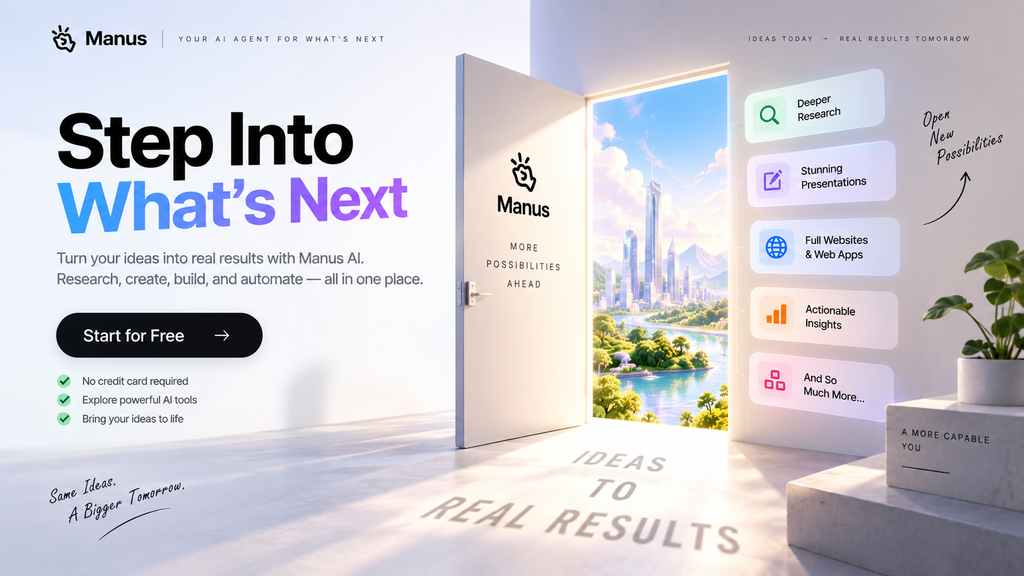
- Plan multiple steps
- Research information
- Work with files or data
- Write or modify code
- Build a website
- Create a presentation
- Combine several tools
- Produce a finished deliverable
For simple questions or everyday writing, a conventional AI chatbot may already be sufficient.
For larger workflows, Manus’s agent-based approach can offer a different way of working.
The best approach is to start with the Free plan, test a few representative tasks, and determine whether its workflow and credit consumption fit your needs before paying for a subscription.
Final Thoughts
Manus AI represents a broader shift from AI that answers questions toward AI that performs tasks.
Its combination of autonomous workflows, research capabilities, web development, presentations, design tools, and integrations makes it more than a conventional chatbot.
Its website-building capabilities are especially notable. Users can describe an application in natural language, generate a full-stack project, connect a custom domain, and export the resulting code.
At the same time, Manus is not a completely hands-off replacement for human decision-making. Complex tasks can consume significant credits, generated results should be reviewed, and deployed applications can incur separate WebDev usage costs.
For users who want an AI system that can take a broad objective and turn it into a multi-step workflow, Manus is a platform worth exploring.
Frequently Asked Questions
What is Manus AI?
Manus AI is an AI agent platform designed to plan and execute multi-step tasks rather than only provide conversational answers.
Is Manus AI free?
Yes. Manus currently offers a Free plan with access to Chat Mode and Manus 1.6 Lite in Agent Mode. Free users also receive refreshed credits under the current plan structure.
Does Manus AI require coding experience?
No. Manus’s website builder is designed to allow users to describe applications in natural language without requiring traditional coding skills.
Can Manus build websites?
Yes. Manus can create full-stack web applications with components such as frontend interfaces, backend functionality, databases, authentication, and integrations.
Can Manus export code?
Yes. Manus states that users can export the complete codebase of applications they create and continue working with the code elsewhere.
How are Manus credits calculated?
Credit consumption depends on factors including task complexity, duration, LLM usage, virtual machine usage, and third-party APIs.
Does deploying a Manus website cost extra?
Potentially. Manus separates AI subscription credits from WebDev usage costs associated with running deployed applications. Hosting, database usage, AI features, and API integrations can generate usage-based charges.
Can Manus replace a developer?
Manus can automate substantial parts of development and help non-developers create applications, but generated applications may still require human review, testing, customization, and maintenance.
What is the difference between Manus Chat Mode and Agent Mode?
Chat Mode is designed for conversations and questions and does not consume credits. Agent Mode is designed for more complex autonomous tasks and consumes credits while those tasks are actively processed.