A presentation can have great ideas and still look messy. One extra chart, a longer sentence, or another image can be enough to throw an entire slide out of balance.
Beautiful.ai takes a different approach. Instead of giving you complete control over every pixel, it tries to handle the design for you.
That idea is at the heart of Beautiful.ai.

What Is Beautiful.ai?
Beautiful.ai is an AI-powered presentation platform designed to help users create polished presentations without spending hours adjusting layouts.
You can start with an idea, outline, or existing content, and AI can help turn it into a presentation. But the more interesting part comes afterward: the slides continue to adapt as you edit them.
Smart Slides: The Feature That Makes It Different
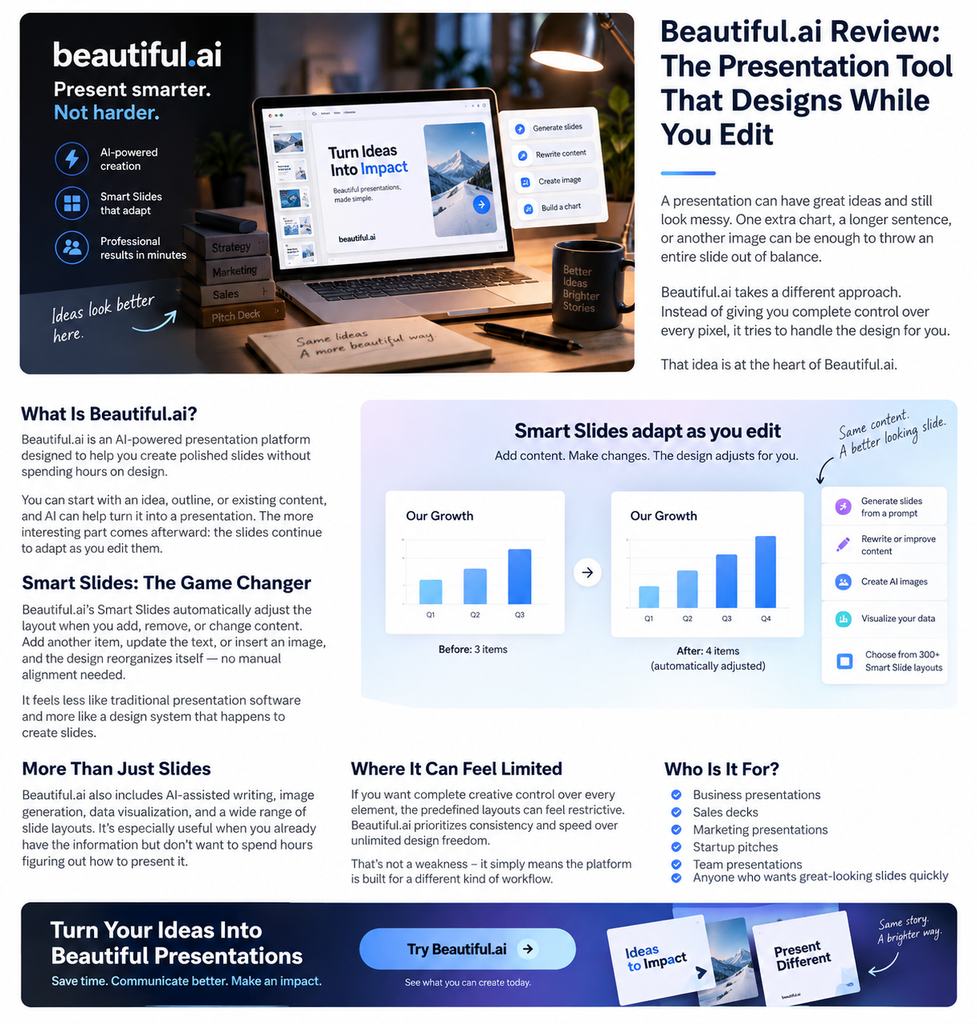
Beautiful.ai’s Smart Slides automatically adjust the layout when you add, remove, or change content.
Add another item to a comparison slide, change the amount of text, or insert an image, and the design can reorganize itself instead of forcing you to manually fix everything.
That makes Beautiful.ai feel less like traditional presentation software and more like a design system that happens to create slides.
For people who care about speed and consistency, this can remove a surprisingly large amount of tedious work.
AI Helps With More Than Just Slides
Beautiful.ai also includes AI-assisted presentation creation and editing, along with tools for rewriting content, generating images, creating charts, and working with different types of slide layouts.
Its workflow is particularly useful when you have the information already but don’t want to spend the next few hours figuring out how to present it visually.
Where Beautiful.ai Can Feel Limited
The same system that makes Beautiful.ai easy to use can also become its biggest limitation.
If you want complete creative control over every element, you may find the predefined layouts restrictive. Beautiful.ai prioritizes consistency and speed over unlimited design freedom.
That’s not necessarily a weakness—it simply means the platform is built for a different kind of workflow.
Who Is Beautiful.ai For?
Beautiful.ai makes the most sense for:
- Business presentations
- Sales decks
- Marketing presentations
- Startup pitches
- Team presentations
- Anyone who wants professional-looking slides without becoming a PowerPoint designer
If your priority is “make this look good quickly,” Beautiful.ai is worth considering.
If your priority is “let me control absolutely everything,” a more traditional presentation tool may fit better.
Final Thoughts
Beautiful.ai’s biggest idea is surprisingly simple: you shouldn’t have to redesign a slide every time your content changes.
Its AI features are useful, but Smart Slides are arguably the real reason the platform stands out.
It won’t replace every presentation workflow. What it does offer is something more specific: a faster way to create consistent, professional presentations without fighting the layout.
Want to see what Beautiful.ai can do?
Explore the platform and see whether its automated approach fits the way you create presentations.